Codex desktop configuration tutorial
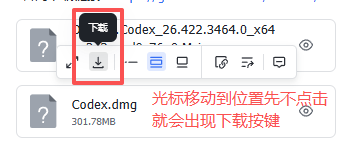
Download link
1. Login
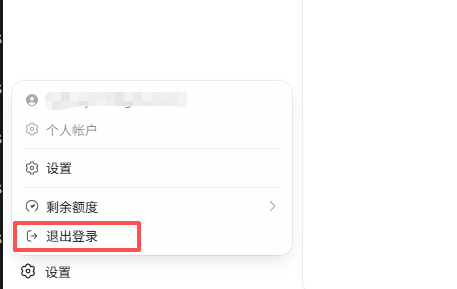
- If you have logged in to your personal account, first click Log out in the lower left corner.
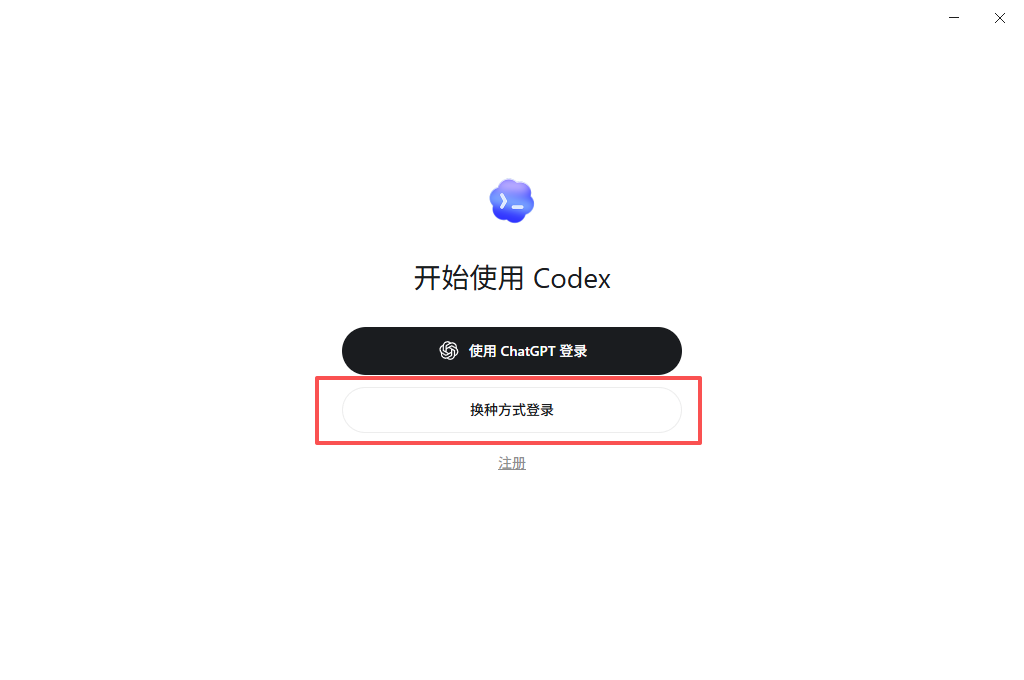
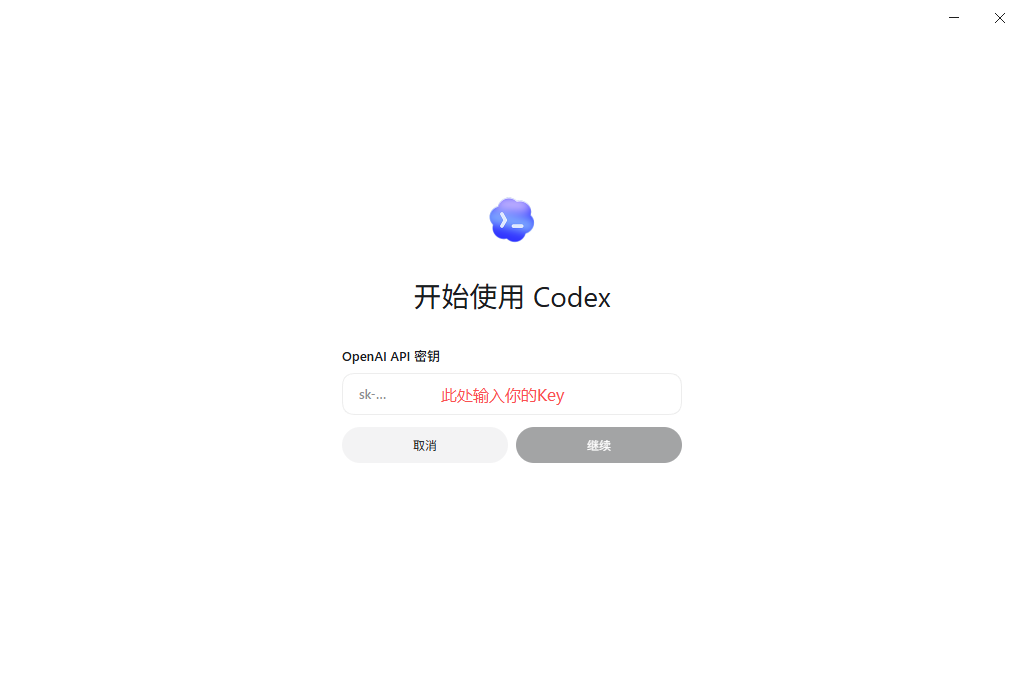
- Click the API Key login method below and enter your MuskAI API Key. API Key usually starts with
sk-, be careful not to include spaces when copying.
| API Key login portal | Enter API Key |
|---|---|
 |  |
2. Set up API site
The config.toml file needs to be set before normal use. You can open the configuration file in one of the following two ways.
Method 1: Open from the settings entrance
Click Settings in the lower left corner, or use Ctrl + , to open the settings directly.
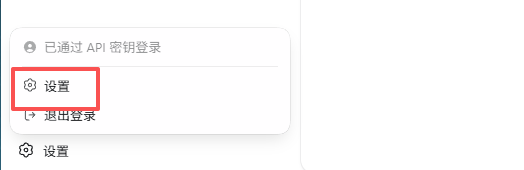
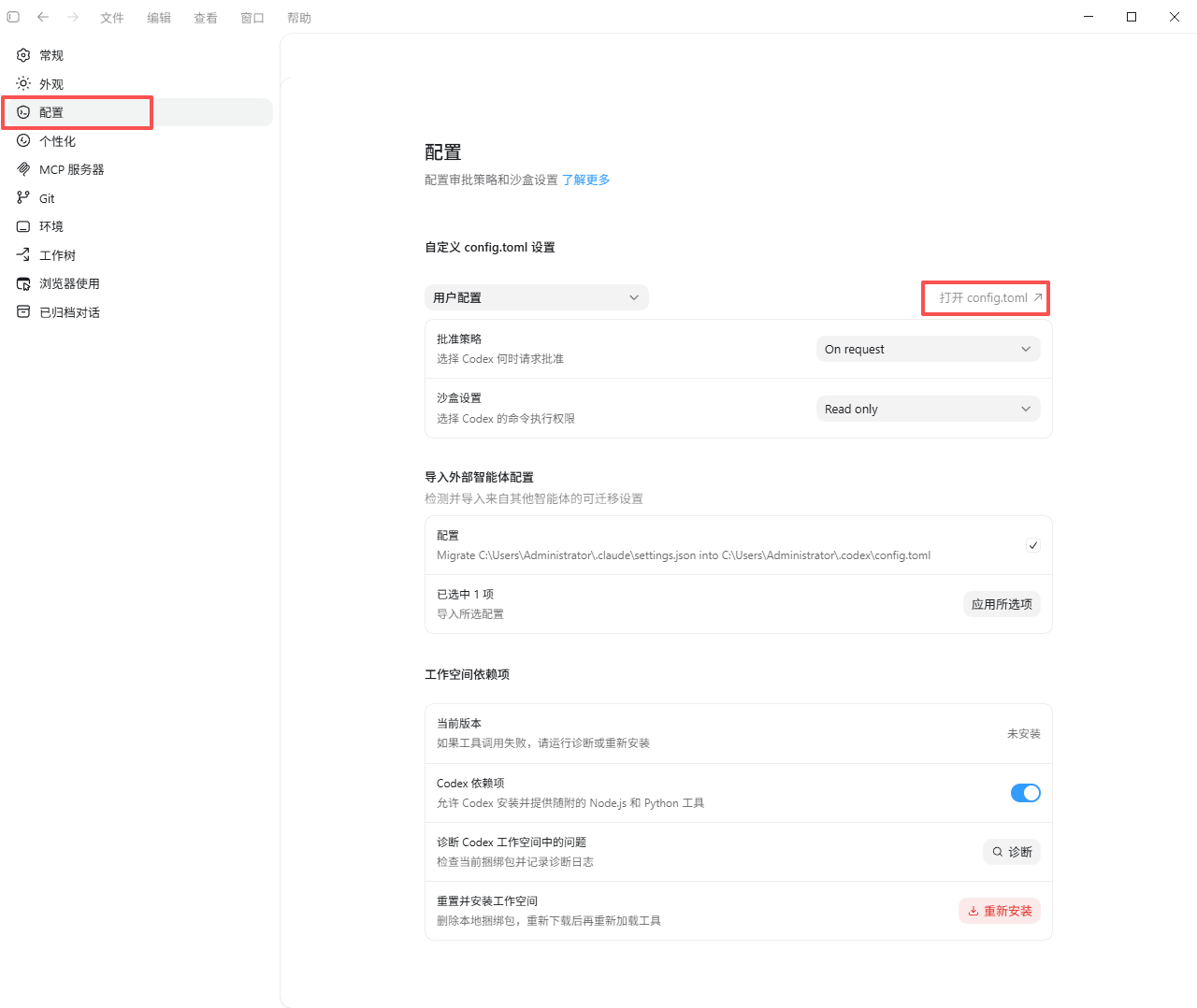
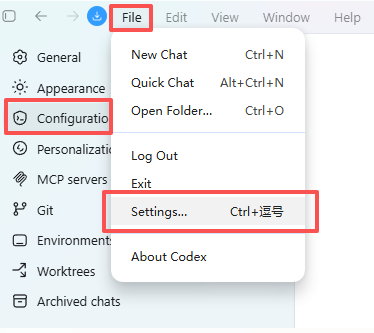
Method 2: Open from the menu
Click File -> Settings... -> Configuration -> Open config.toml.
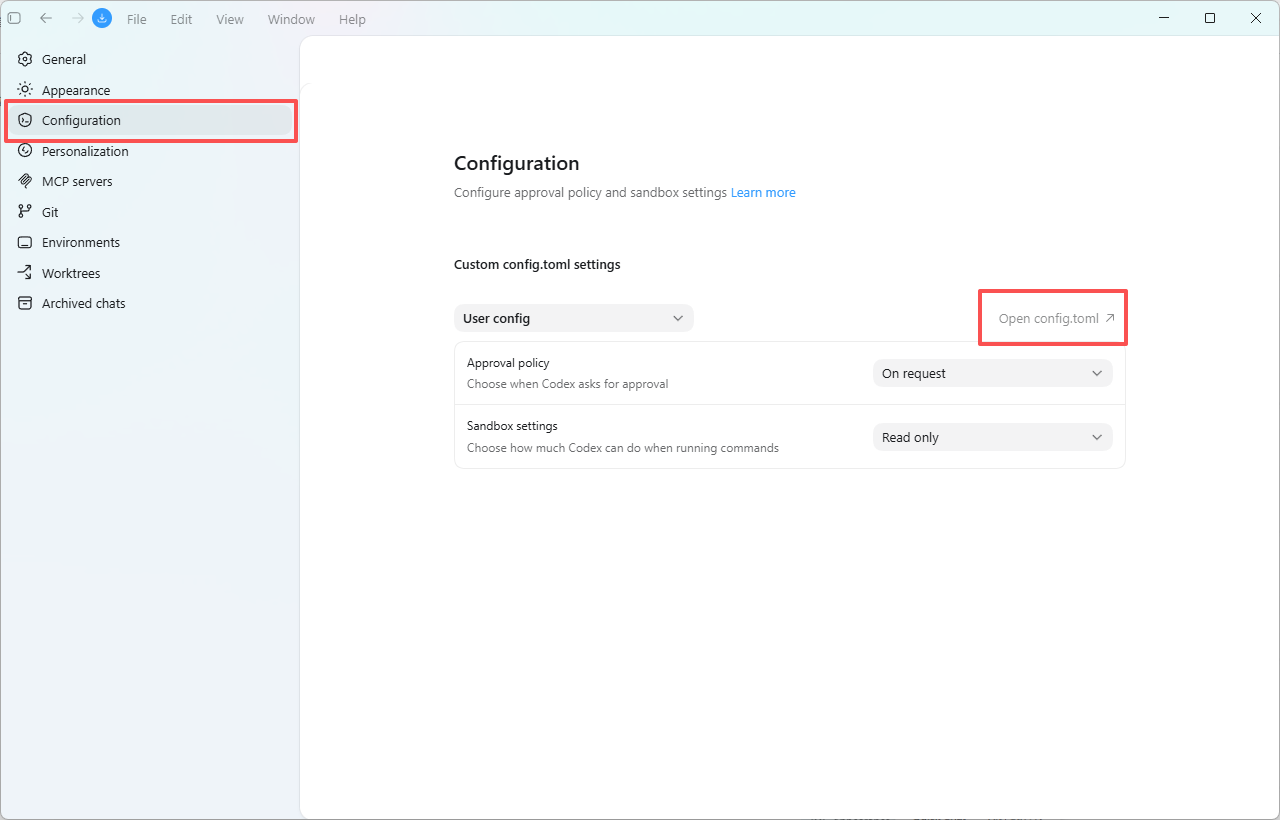
Configuration config.toml
Copy the following content into config.toml. The key point is that base_url needs to fill in the Base URL displayed on the official website User Center - [API Key] page. After the configuration is complete, exit Codex and restart the application.
model_provider = "MuskAI"
model = "gpt-5.5"  # Replace with a model available to you on MuskAI
model_reasoning_effort = "medium"

# ========== Windows sandbox configuration ==========
[windows]
sandbox = "elevated"                  # Run the Windows sandbox with elevated privileges

# ========== Project trust (replace with your actual project path) ==========
[projects.'c:\users\your-windows-username\documents\codex\2026-05-22\gitee']
trust_level = "trusted"

# ========== MuskAI provider configuration ==========
[model_providers.MuskAI]
name = "codex"
base_url = "Copy the Base URL from User Center > API Keys" # https://api.muskapi.cc/v1
wire_api = "responses"
api_key = "sk-your-muskai-api-key"     # Enter the key directly; do not use env_key
3. Start using
Just enter your task. In order to avoid wasting credit, it is recommended to choose the appropriate model and level of thinking based on task requirements.
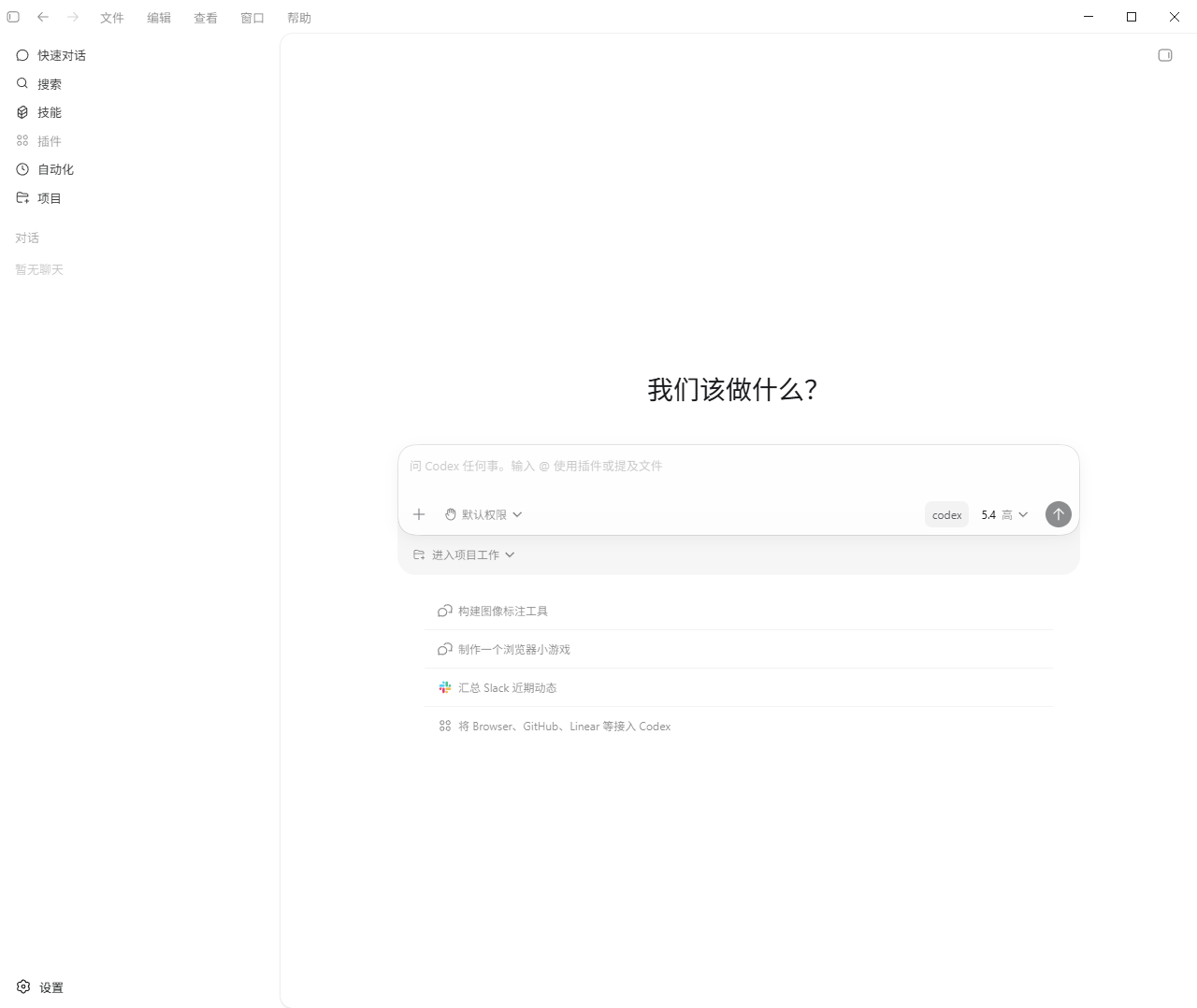
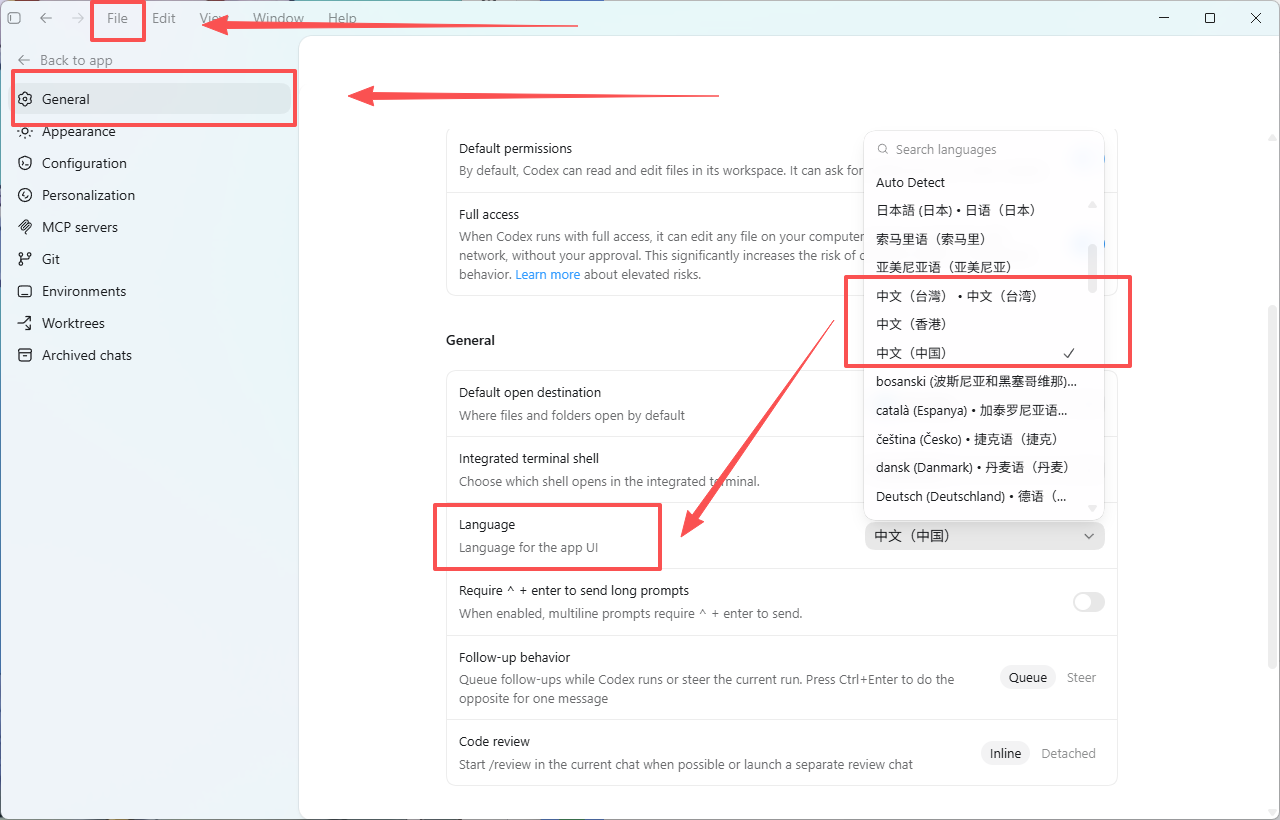
Switch to Chinese
Click File -> General -> Language in the upper left corner, select Chinese and then restart the desktop.
If the switch fails, it is usually a problem with the current official version and does not affect the model's reply in Chinese.
Query consumption
Consumption can be queried at MuskAI Console.